
SEE Supplementary Result 2083 is now available for Class 10 students who appeared in the grade improvement examination. The National Examination Board (NEB) has published the SEE 2082 Grade Improvement Supplementary Result on 23 Asar 2083 (7 July 2026). Students can check their result online through official websites, IVR, and SMS/USSD services by using their Symbol Number and Date of Birth.
SEE Supplementary Result 2083
The National Examination Board, Examination Control Office, Grade 10, Sanothimi, Bhaktapur has released the SEE supplementary result. According to the official notice, 164,207 students were eligible to apply for the grade improvement examination. Out of them, 129,114 students appeared in the exam and 83,523 students were graded. The graded percentage is 64.69%.
| Board Name | National Examination Board |
| Result Name | SEE Supplementary Result 2083 |
| Exam Name | SEE 2082 Grade Improvement Supplementary Examination |
| Result Status | Published |
| Exam Date | Asar 1 to Asar 9, 2083 |
| Result Date | 23 Asar 2083 (7 July 2026) |
| Students Appeared | 129,114 |
| Graded Students | 83,523 |
| NG Students | 45,591 |
| Official Website | see.ntc.net.np |
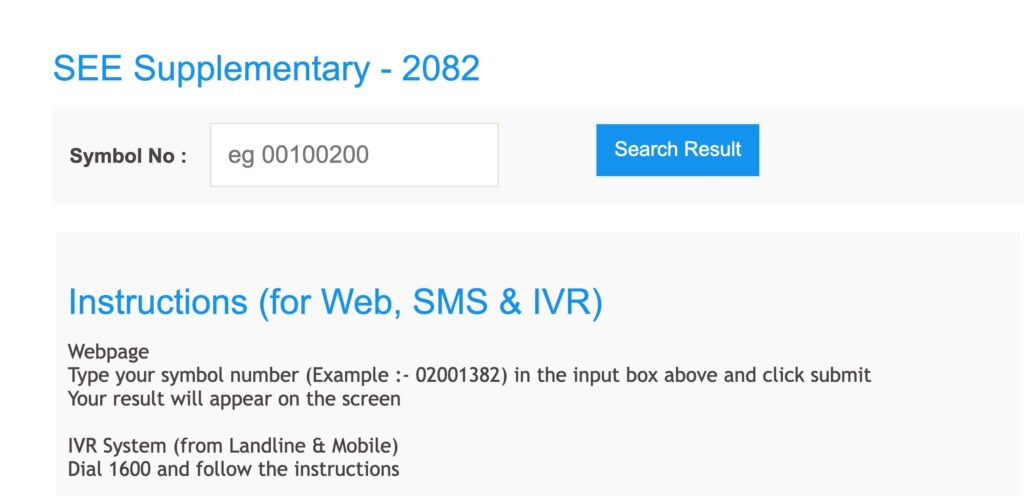
see.ntc.net.np Supplementary Result 2083
The SEE supplementary result can be checked from see.ntc.net.np, see.gov.np, neb.gov.np, and other authorized result portals. Students need their Symbol Number and Date of Birth to view the online grade sheet. The provisional grade sheet can also be downloaded from the result page.
Among the graded students, the largest group is in the GPA range of 2.40 to 2.80. A total of 51,438 students received GPA in this range. The board has also stated that the examinations of 7 students have been cancelled for violating examination rules and discipline.
SEE Supplementary Result 2083 GPA Distribution
| GPA Range | Students |
|---|---|
| 3.60 to 4.00 | 16 |
| 3.20 to < 3.60 | 1,195 |
| 2.80 to < 3.20 | 16,467 |
| 2.40 to < 2.80 | 51,438 |
| 2.00 to < 2.40 | 14,362 |
| 1.60 to < 2.00 | 45 |
| 1.20 to < 1.60 | 0 |
| 0.80 to < 1.20 | 0 |
| NG (Not Graded) | 45,591 |
How to Check the see.ntc.net.np 2083 Re Exam Result?
Students can check the SEE supplementary re-exam result online through the official result portal. Follow the steps below to view the result:
- Go to the official website see.ntc.net.np.
- Open the SEE Supplementary Result 2083 link.
- Enter your Symbol Number and Date of Birth.
- Click on the submit button to view your result.
- Download or print the provisional grade sheet for future use.
How to Check SEE Supplementary Result Through NTC SMS
Students can also check the SEE Supplementary Result 2083 through SMS/USSD services provided by authorized service providers. For NTC SMS, students can follow the steps below if the service is active:
- Open the SMS app on your mobile phone.
- Type SEE <Symbol Number>.
- Send the message to 1600.
- You will receive your SEE supplementary result details by SMS.
How to Check SEE Supplementary Result Through Call or IVRS
Students may also use the IVR service to check the SEE Class 10 supplementary result. Follow these steps to get the result through call:
- Dial the official IVR result number provided by the authorized service provider.
- Follow the voice instructions carefully.
- Enter your Symbol Number and other required details when asked.
- The system will provide your result details through the call.
Details Mentioned on SEE 10th Supplementary Result
The online grade sheet of SEE Supplementary Result 2083 may include the following details:
- Name of the examination
- Board name
- Student name
- Symbol number
- Date of birth
- School name
- Subject name
- Subject code
- Grades obtained
- GPA
- Result status
SEE Re Exam Result 2083 Class 10 Grading System
According to the letter grading system, students must meet the required marks in both theoretical examination and internal assessment to receive a grade.
| Score | GPA | Grade | Remarks |
|---|---|---|---|
| 90 and above | 4.0 | A+ | Outstanding |
| 80 to less than 90 | 3.6 | A | Excellent |
| 70 to less than 80 | 3.2 | B+ | Very Good |
| 60 to less than 70 | 2.8 | B | Good |
| 50 to less than 60 | 2.4 | C+ | Satisfactory |
| 40 to less than 50 | 2.0 | C | Acceptable |
| 35 to less than 40 | 1.6 | D | Basic |
| Less than 35 | – | NG | Not Graded |
10th SEE Supplementary Result
The SEE Class 10 supplementary result is available online after the official publication by NEB. Students who are not satisfied with their result can apply online for re-totaling within the deadline fixed by the board. If any technical error is found in the published result, the Examination Control Office will correct it after verification.